

Practice with Flashcard mode
Flashcard mode lets you practice a deck whenever you want. You reveal each answer and decide whether you recalled it correctly. For scheduled due-card review, use SRS.
Start a session
You need a deck with saved cards and, for a metered account, enough review credits to study.
- Open the deck from Home.
- Tap Study Now → Flashcard.
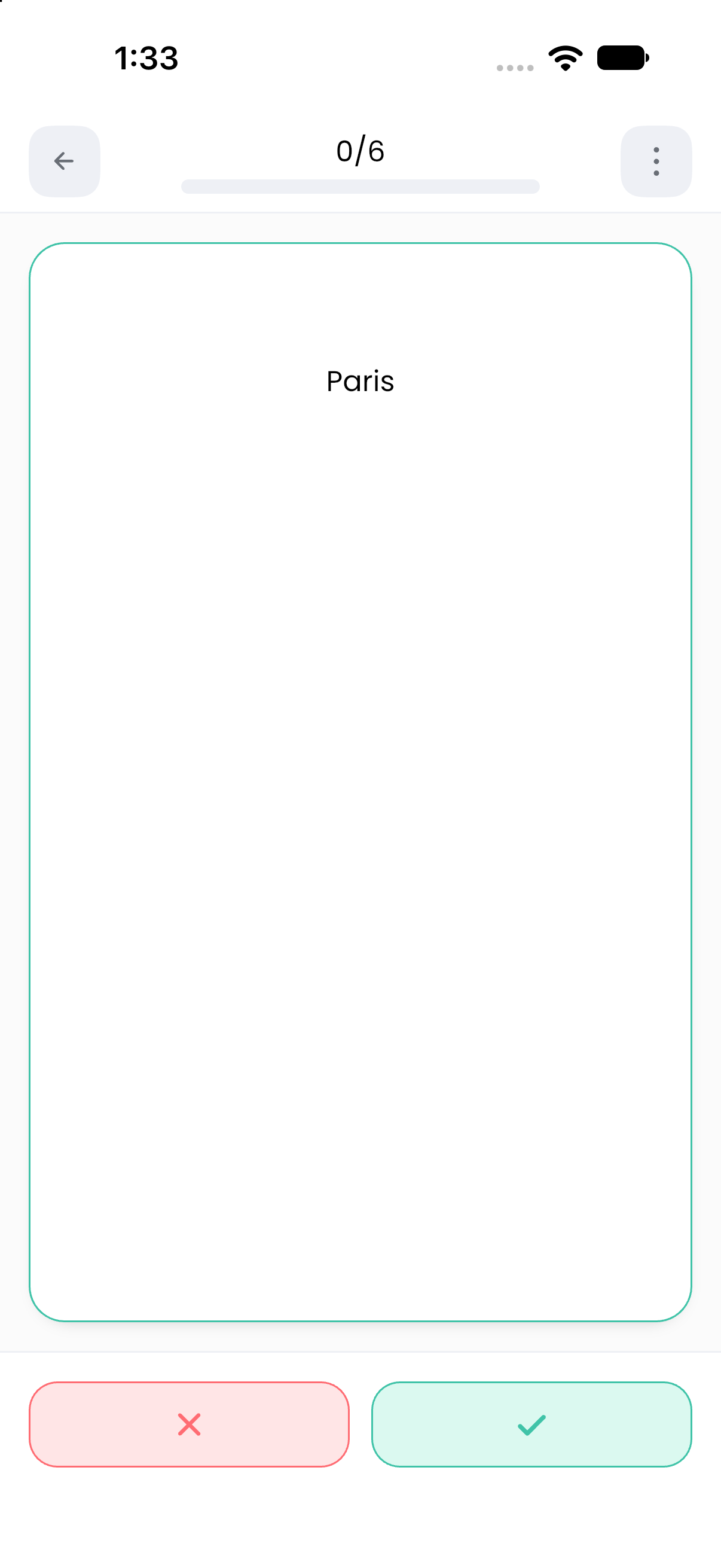
- Read the prompt and recall the answer before tapping Show Answer.
- Tap the green check for Pass or the red cross for Failed.
- Continue until Study Completed!.
On completion, inspect Total Reviewed, Accuracy, and Learning Time. Review Answers shows the session's answers; Review Again starts another session, and Return to Deck takes you back to the library card list.
Configure the session
Open the deck's gear button, then Study Setting → Flashcard. Save after changing settings.
The initial Flashcard settings use 10 cards, normal orientation, and shuffle enabled. Your saved deck settings determine subsequent sessions.
Use Auto Advance intentionally
When Auto Advance is enabled, set Time before showing answer, Time before next card, and If no answer is chosen, mark as:.
The last setting matters: allowing the timer to expire records the configured result rather than waiting indefinitely for a response. The initial default is Failed. Start without Auto Advance if you want full control over recall time.
Correct an answer or edit a card
Open Card Actions during a session. Undo Answer reverses the most recent available answer. The menu also offers Edit Card, Delete Card, and Show Tag or Hide Tag.
Editing updates the actual saved card. Delete Card permanently removes the card; it is not a way to skip it for just one session.
Notes, if present, can be opened after revealing the answer. Japanese/Chinese fields configured with Hint reveal their annotations on a long press.
Related: Matching mode, Field settings.